GoodNotes 6 vs Notability vs CollaNote vs KiloNotes vs Noteshelf 3 vs MyScript Notes: Which Note-taking App Should You Pick in 2026?
Compare GoodNotes 6, Notability, CollaNote, KiloNotes, Noteshelf 3, and MyScript Notes on pricing, features, and handwriting to find the best digital note-taking app for 2026.
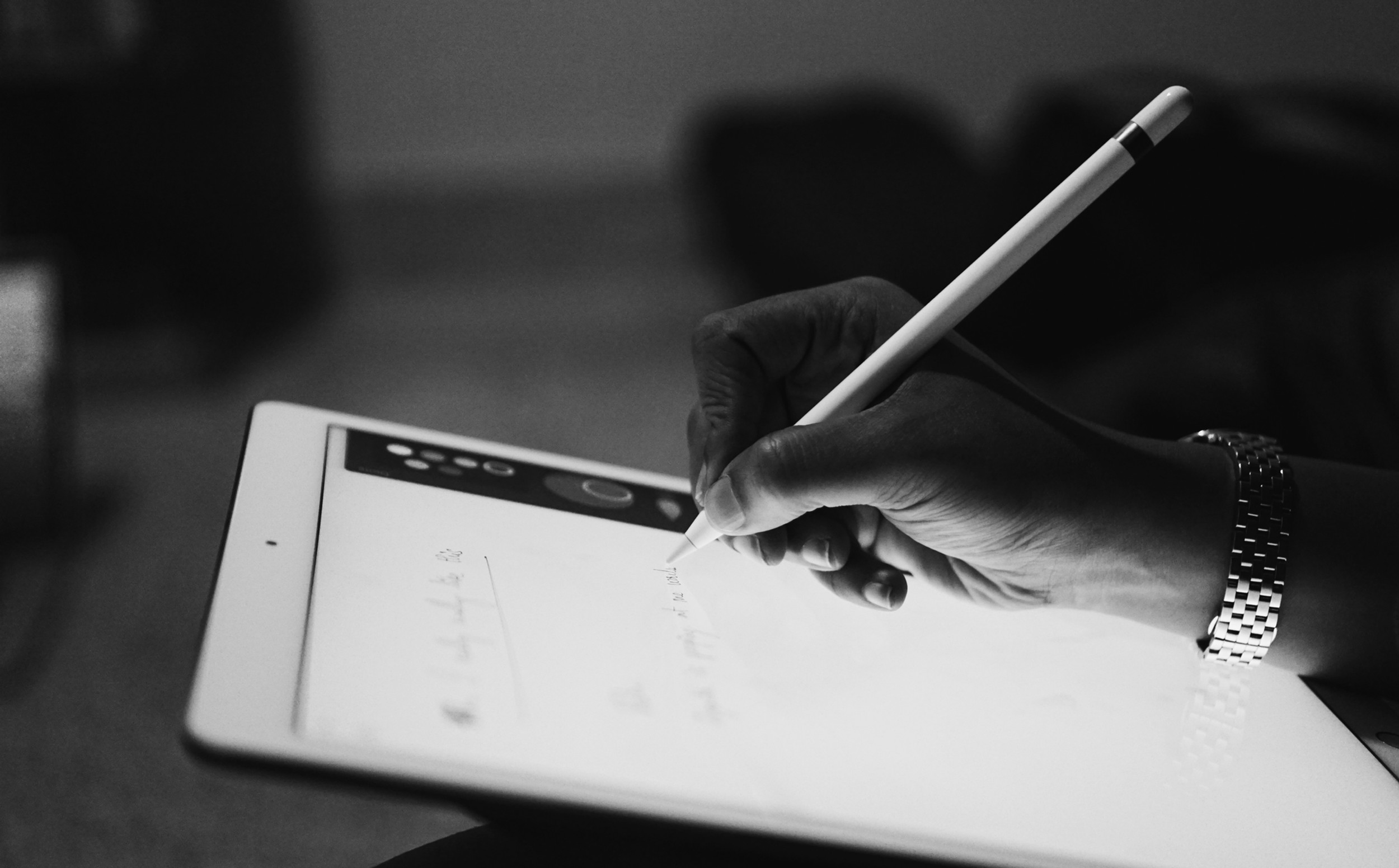
If you're in the market for a digital note-taking app in 2026, you've got more options than ever. While GoodNotes 6, Notability, and CollaNote remain popular choices, there are some serious new contenders worth considering, especially Noteshelf 3 and MyScript Notes (formerly Nebo).
The best app for you depends on what you need from a note-taking tool, your budget, and how you like to work. In this updated post, we'll break down how these six apps compare, based on personal experience, community feedback, and the latest features they've rolled out.
GoodNotes 6

GoodNotes has been around for a while, and for good reason. The app is sleek, easy to use, and has recently added AI features that are particularly useful for students. If you care about aesthetics and like things to be super organized, GoodNotes 6 might be your go-to.
Pros:
- Super intuitive and clean layout
- Feels polished and premium
- Great for staying organized
- New in 2026: AI features that can generate flashcards from your notes, create study sets, and help with learning
- Smooth handwriting experience with excellent PDF support
- Works seamlessly with hyperlinked planners and digital templates
Cons:
- Pricing change: Now uses a $11.99/year subscription model (was previously a one-time purchase), which has frustrated longtime users
- Lacks some of the advanced tools you'll find in Notability
- Can be a bit buggy, especially with the search function
- Navigating through folders can be tedious, too many clicks to find what you need
- AI features cost an additional $9.99/month (which is expensive)
Notability

Notability is a powerhouse when it comes to tools. It offers a wide range of options for handwriting and text input and even includes password protection for notes. However, some features like iCloud syncing and math conversion come with additional subscription fees. Despite that, Notability shines with its diverse toolkit and seamless functionality, especially if you combine note-taking with audio recording.
Pros:
- Lots of tools (pencils, tape, etc.)
- Password-protected notes
- Great for reviewing and annotating
- Audio recording synced with notes; perfect for lectures and meetings
- Active community who share their templates
- Works well for students and professionals who need versatile tools
Cons:
- Additional payments required for advanced features like iCloud syncing
- Can feel overwhelming if you just need basic note-taking
CollaNote

CollaNote stands out as a strong free option for digital note-taking. It allows users to import PDFs, draw, type, and customize their notes. However, its interface doesn't feel as polished or seamless as the paid apps. With more updates, CollaNote could become a serious competitor, but for now, it remains a good free alternative for users who don't want to spend money.
Pros:
- Free to use
- Functional and regularly updated
- Offers unique features like colored pages and customizable UI elements
Cons:
- The interface can feel a bit clunky
- Not as smooth or refined as GoodNotes or Notability
KiloNotes

KiloNotes is another free option worth considering. It offers the basics like handwriting, typing, and drawing, along with PDF imports. While the free version includes these key features, there's also a subscription option to unlock advanced tools like custom time-planning books.
The app's interface is simple and user-friendly, though it lacks some of the advanced features found in GoodNotes and Notability. I saw a YouTube video of all the awesome features of KiloNotes, and that's what convinced me to get an iPad in the first place. Unfortunately, I couldn't find a cloud storage option unless there's been a recent update or something I'm missing.
Pros:
- Free version provides good basic functionality
- Simple and easy-to-navigate interface
- Allows PDF import and annotation
- Offers customization options like notebook covers and stickers (lots of these available compared to the other apps).
Cons:
- Advanced features require a subscription
- No automatic shape correction
- Lacks landscape mode for notes
- The toolset, while functional, is more limited compared to the other apps
**Unique Feature: **KiloNotes offers a lot in its free version, including PDF imports and basic customization options. It’s a great option for users who don’t want to commit to a paid app but still want functionality like PDF annotations and simple customizations.
Noteshelf 3 NEW
Noteshelf 3 is a game-changer in the note-taking space, especially if you're looking for cross-platform compatibility. Unlike many apps that focus only on Apple devices, Noteshelf 3 works across Windows, Apple, and Android platforms. It's packed with features including AI capabilities and extensive customization options.
Pros:
- Cross-platform: Works on iPad, iPhone, Mac, Android, and Windows (with full compatibility)
- Affordable pricing: Free version available with limited features; one-time purchase of $9.99 for premium features (unlimited notebooks, handwriting recognition, digital diaries)
- Noteshelf AI: Generate handwritten notes on any topic, summarize pages, translate text, and explain complex terms
- Extensive customization: 200+ templates for study planners, class notes, wellness trackers, bullet journals
- Lifelike pens including fountain pen for an aesthetic touch
- Audio recording while you take notes
- Built-in document scanner
- Handwriting recognition in 65 languages
- Password protection with Face ID/Touch ID
- Integrated Unsplash and Pixabay libraries for adding images
- Auto-backup to Google Drive, OneDrive, Dropbox, and WebDAV
Cons:
- Some users report that new features sometimes roll out to iOS before Android
- Premium features (like handwriting recognition) require the paid version
- AI features still in beta and can be inconsistent
- If you owned Noteshelf 2, you need to purchase Noteshelf 3 separately
Unique Feature: Noteshelf 3's AI can generate handwritten notes (not typed, actual handwriting) on any topic you specify, which is pretty unique in the note-taking space. Plus, the app stands out for being one of the few that truly embraces cross-platform compatibility.
Best for: Cross-platform users, Android tablet users, people who want AI features without expensive subscriptions, bullet journal enthusiasts.
MyScript Notes (formerly Nebo) NEW
MyScript Notes (rebranded from Nebo) is hands-down the best app if handwriting-to-text conversion is your priority. Built from the ground up with advanced handwriting recognition technology, it converts your handwriting into clean, editable, searchable text in real-time with incredible accuracy.
Pros:
- Best-in-class handwriting recognition: Converts handwriting to text as you write with unmatched accuracy (supports 66 languages)
- Advanced math recognition: Perfect for STEM students, converts handwritten equations into properly formatted mathematical notation
- Diagram and flowchart support: Recognizes and converts hand-drawn diagrams into editable digital diagrams
- Flexible pricing: $1.99/month, $7.99/year, or $24.99 lifetime purchase
- Cross-platform: Works on iOS, iPadOS, Mac, Android, and Windows with one purchase
- Use on up to 10 devices with a single license
- AI features for students: Summarize notes, explain terms, generate quizzes, and chat functionality
- Natural pen gestures (scratch to erase, underline to emphasize)
- Export to multiple formats: PDF, PNG, SVG, Word, or Nebo format
- Responsive documents that automatically reflow when you edit or rotate your device
Cons:
- Free version is limited (only 5 pages per notebook, no cloud sync, no AI features)
- Windows version (still called Nebo) is no longer receiving new features
- AI features currently only available on iOS (Android coming soon)
- Not ideal if you prefer freeform, unstructured note-taking
**Unique Feature: **MyScript Notes uses Interactive Ink technology that's far superior to any other app for handwriting recognition. If you take a lot of notes that you later need as typed text (for reports, papers, or sharing), this app is unmatched. Plus, it can convert hand-drawn diagrams into editable shapes that you can paste into PowerPoint, huge for professionals and students alike.
**Best for: **STEM students, professionals who need typed transcripts of handwritten notes, users who want the most accurate handwriting recognition, diagram-heavy note-takers.
What Other People Are Saying
The online community has even more insights about these apps that might help in your decision:
- Noteful: An increasingly popular alternative with advanced customization and layer-based note-taking, making it appealing to power users. Great for annotating complex documents.
- OneNote: If you're into using Microsoft products and need cross-platform access beyond just Apple devices, this free option is solid and works well for building a "second brain."
- Apple Notes: Don't sleep on this free option, it's evolved significantly and now includes drawing tools, scanning, and smart folders. Perfect if you're fully in the Apple ecosystem.
- Freenotes: A lightweight, budget-friendly option that focuses on simplicity and straightforward handwriting.
Conclusion: Which App is Best for You?
So, which app should you go with? Here’s a quick rundown to help you decide:
GoodNotes 6
If you care about a clean, beautiful interface and want AI-powered study tools, GoodNotes 6 is a solid choice. It's great for people who like their notes to be well-organized and visually appealing. Just be aware that the shift to a subscription model might not sit well with everyone.
Best for: Students who want AI study features, digital planner enthusiasts, Apple users who prioritize aesthetics
Notability
If you need a diverse toolkit, audio recording capabilities, and don't mind paying for extra features, Notability might be the way to go. It's perfect for those who need advanced functionality and flexibility in their note-taking, especially for lectures and meetings.
Best for: Students and professionals who record audio, users who want a robust toolkit, template enthusiasts
CollaNote
A strong free option that's functional and customizable. It's not as polished as the paid apps, but if you're on a budget, it's definitely worth trying.
Best for: Budget-conscious users, people who want a free app without subscriptions
KiloNotes
Simple, functional, and free, with the option to unlock more features via subscription. It's not as advanced as the others but gets the job done if you're looking for a basic note-taking app with lots of customization stickers and covers.
Best for: Users who want a simple, free app with cute customization options
Noteshelf 3 ⭐ NEW
The best cross-platform option with AI features, affordable one-time pricing, and extensive customization. If you work across multiple devices (including Android or Windows) or want AI assistance with your notes, this is a fantastic choice.
Best for: Cross-platform users, Android tablet users, people who want AI features without expensive subscriptions, bullet journal enthusiasts
MyScript Notes (Nebo) ⭐ NEW
The absolute best for handwriting-to-text conversion and STEM students. If you need accurate handwriting recognition, math equation support, or plan to convert your notes to typed documents frequently, this is unmatched.
Best for: STEM students, professionals who need typed transcripts of handwritten notes, users who want the most accurate handwriting recognition, diagram-heavy note-takers
My Personal Take
At the end of the day, it all depends on what you need from a note-taking app.
I'm currently using Notability because it has great template options (though I love creating my own templates on Canva). However, if I were starting fresh in 2026, I'd seriously consider Noteshelf 3 for its cross-platform support and affordable pricing, or MyScript Notes if I were taking a lot of technical or math-heavy notes that I'd need to convert to text.
Whether you're drawn to GoodNotes' sleek interface, Notability's powerful toolkit, the free options from CollaNote and KiloNotes, or the new contenders Noteshelf 3 and MyScript Notes, there's something for everyone.
Quick Decision Guide
- Need the best handwriting-to-text conversion? → MyScript Notes
- Want cross-platform support (including Android)? → Noteshelf 3 or OneNote
- Need audio recording with notes? → Notability
- Want AI study features? → GoodNotes 6 (but expensive) or Noteshelf 3 (more affordable)
- On a tight budget? → CollaNote or KiloNotes (free), or Apple Notes if you're in the Apple ecosystem
- Love beautiful aesthetics and templates? → GoodNotes 6 or Notability
- STEM student? → MyScript Notes (for math) or GoodNotes 6 (for flashcards)
Have you tried any of these apps? What's your favourite and why? Let me know in the comments!
You can find my free templates on Notability's gallery.
Updated: 8th February, 2026